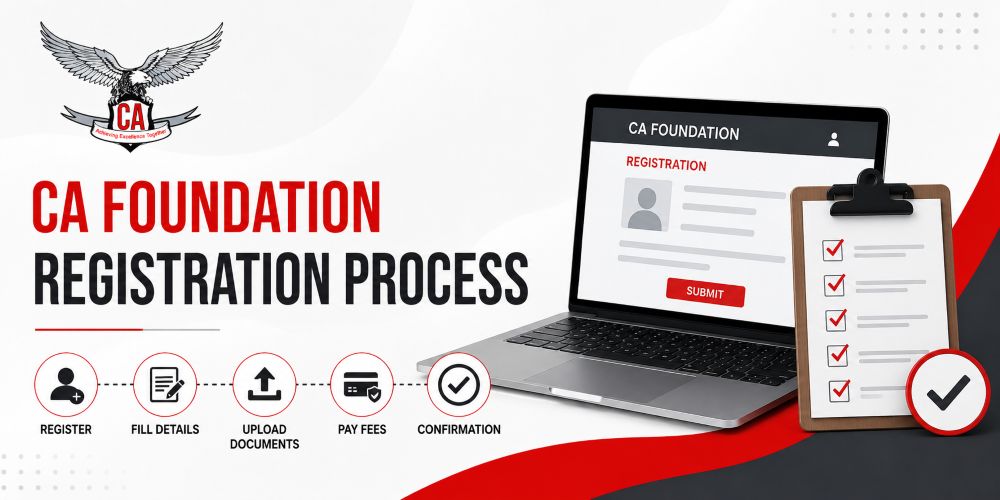
CA Foundation Registration Process: Step-by-Step Guide
CA Foundation Registration Process: Step-by-Step Guide
Starting your Chartered Accountancy journey can feel confusing at first, especially when it comes to registration. Many students search for answers like “How to register for CA Foundation?”, “What documents are required?”, or “When should I register for ICAI?”
If you are planning to appear for the CA Foundation exam in 2026, understanding the registration process correctly is extremely important. A small mistake in document upload, payment, or deadline selection can delay your attempt.
This complete step-by-step guide explains the CA Foundation registration process in a simple and beginner-friendly way. It also includes practical tips, common mistakes to avoid, and preparation guidance based on the learning approach followed by CATestSeries.org, a platform known for CA Foundation, Inter, and Final mock test preparation as per the latest ICAI pattern.
What Is CA Foundation?
The First Step in the CA Journey
CA Foundation is the entry-level course conducted by the Institute of Chartered Accountants of India (ICAI) for students who want to become Chartered Accountants.
Students who clear CA Foundation become eligible for:
- CA Intermediate
- Articleship Training
- CA Final
It is designed to build strong fundamentals in:
- Accounting
- Business Laws
- Mathematics
- Economics
Who Can Register for CA Foundation?
Eligibility Criteria
Students can register for CA Foundation after passing Class 10.
However, students can appear for the exam only after passing Class 12 from a recognized board.
Students From Any Stream Can Apply
Students from:
- Commerce
- Science
- Arts
are all eligible for CA Foundation registration.
There is no age limit for registration.
Best Time to Register for CA Foundation
Why Timing Matters
ICAI requires students to complete registration at least four months before the examination month.
Generally:
- For May attempts → Register before January
- For November attempts → Register before July
Students should avoid waiting until the last date because portal traffic and document issues often create delays.
Documents Required for CA Foundation Registration
Before beginning registration, keep these documents ready.
Essential Documents Checklist
Personal Documents
- Passport-size photograph
- Scanned signature
- Valid ID proof
Academic Documents
- Class 10 mark sheet
- Class 12 admit card or mark sheet (if applicable)
File Upload Tips
Make sure:
- Images are clear
- File size matches ICAI guidelines
- Signature is properly visible
- Documents are not blurred
Incorrect uploads are one of the most common reasons for registration rejection.
Step-by-Step CA Foundation Registration Process
Step 1: Visit the ICAI Registration Portal
Go to the official ICAI Self Service Portal (SSP).
Students need to create a login account first.
What You Need Here
- Valid email ID
- Active mobile number
- Basic personal details
Both email and mobile number should remain active because ICAI sends important updates there.
Step 2: Create Your Student Account
Fill Basic Information
You will need to enter:
- Full name
- Date of birth
- Email address
- Mobile number
- Address details
Create Login Credentials
Set:
- Username
- Password
- Security details
After verification, your ICAI student account will be activated.
Step 3: Select the CA Foundation Course
After login:
- Choose “Student Cycle”
- Select “CA Foundation”
This begins your official registration application.
Step 4: Fill Educational Details
Academic Information Required
Students must provide:
- Class 10 details
- Board name
- Passing year
- Marks information
Students awaiting Class 12 results can still register provisionally.
Step 5: Upload Documents
Now upload scanned copies of:
- Photograph
- Signature
- Mark sheets
- ID proof
Important Tip
Use good-quality scanned copies instead of low-quality mobile screenshots.
Clear documents speed up approval.
Step 6: Pay Registration Fees
Payment Methods
Students can pay online using:
- Debit card
- Credit card
- Net banking
- UPI
Registration Fees
The fees may change slightly based on ICAI updates, but students should always verify the latest amount during registration.
Step 7: Download Confirmation Receipt
After successful payment:
- Save payment receipt
- Download acknowledgment form
- Keep a copy for future reference
This confirms your CA Foundation registration.
How to Check Registration Status
Login to ICAI Portal
Students can track registration approval through the SSP portal dashboard.
Common Status Messages
You may see:
- Submitted
- Under Verification
- Approved
- Correction Required
If corrections are requested, complete them immediately to avoid delays.
Common Mistakes Students Should Avoid
Waiting Until the Last Date
Last-minute registration creates unnecessary stress and technical issues.
Uploading Wrong Documents
Blurred photographs or incorrect mark sheets often delay approval.
Using Incorrect Email or Mobile Number
Always use personal contact details that remain active long-term.
Ignoring ICAI Notifications
Students should regularly check official updates instead of relying only on social media information.
What Happens After Registration?
Start Preparing Immediately
Many students waste time after registration and begin studying too late.
The smarter approach is to start preparation early.
Focus on Mock Tests and Practice
Platforms like CATestSeries.org provide:
- ICAI pattern-based mock tests
- Chapter-wise test series
- Detailed evaluations
- Doubt-solving support
- Performance analysis
- Study planners
Consistent mock test practice helps students improve:
- Time management
- Presentation skills
- Writing speed
- Concept clarity
Why Test Series Matter After Registration
Real Exam Simulation
One major challenge in CA Foundation is completing papers within time limits.
Regular test series practice helps students:
- Reduce exam fear
- Improve confidence
- Identify weak subjects
- Learn answer presentation
Importance of Evaluation
CA Test Series is known for detailed answer evaluations and application-based questions designed according to the latest ICAI pattern.
This type of evaluation helps students understand exactly where they lose marks.
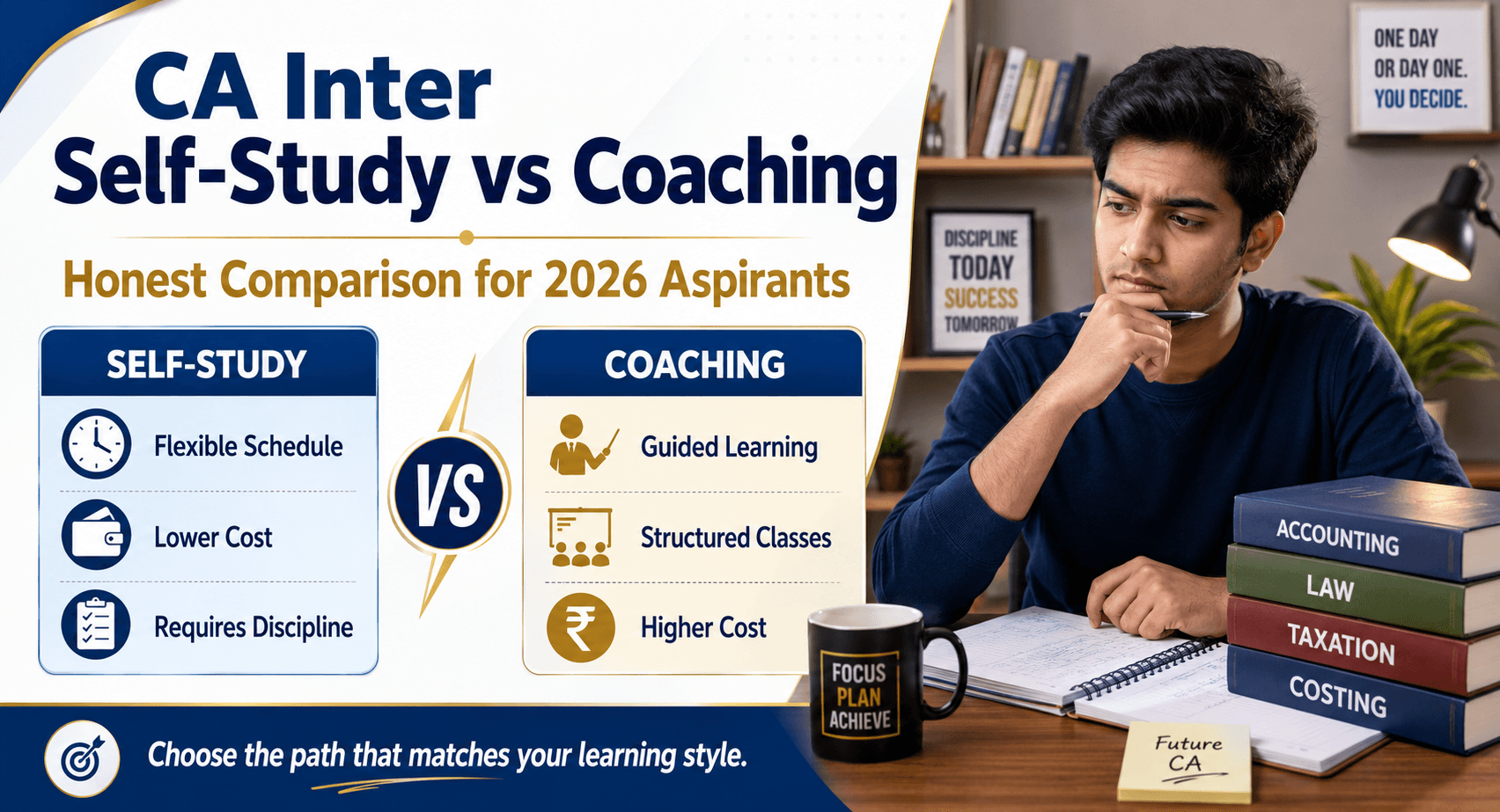
Can Students Register Without Coaching?
Yes, Self-Study Is Possible
Students can register and prepare independently.
However, structured guidance, mock tests, and performance tracking often improve preparation quality significantly.
Consistency Matters More Than Long Hours
Daily focused preparation is far more effective than irregular studying.
Frequently Asked Questions
Can I register for CA Foundation after Class 10?
Yes. ICAI allows registration after Class 10.
Can I appear for the exam before passing Class 12?
No. Students must clear Class 12 before appearing for CA Foundation.
Is Maths compulsory for CA Foundation?
No. Students from non-maths backgrounds can also apply.
How long is CA Foundation registration valid?
Registration validity follows ICAI rules and usually remains active for multiple attempts.
Can I correct mistakes after registration?
Yes, certain corrections may be allowed through ICAI support or correction windows.
What is the best time to register?
The earlier you register, the more preparation time you get.
Is mock test practice important for CA Foundation?
Yes. Mock tests improve confidence, speed, and answer presentation significantly.
Does CATestSeries.org provide CA Foundation mock tests?
Yes. The platform provides chapter-wise and full syllabus mock tests, performance analysis, and evaluation support for CA Foundation students.