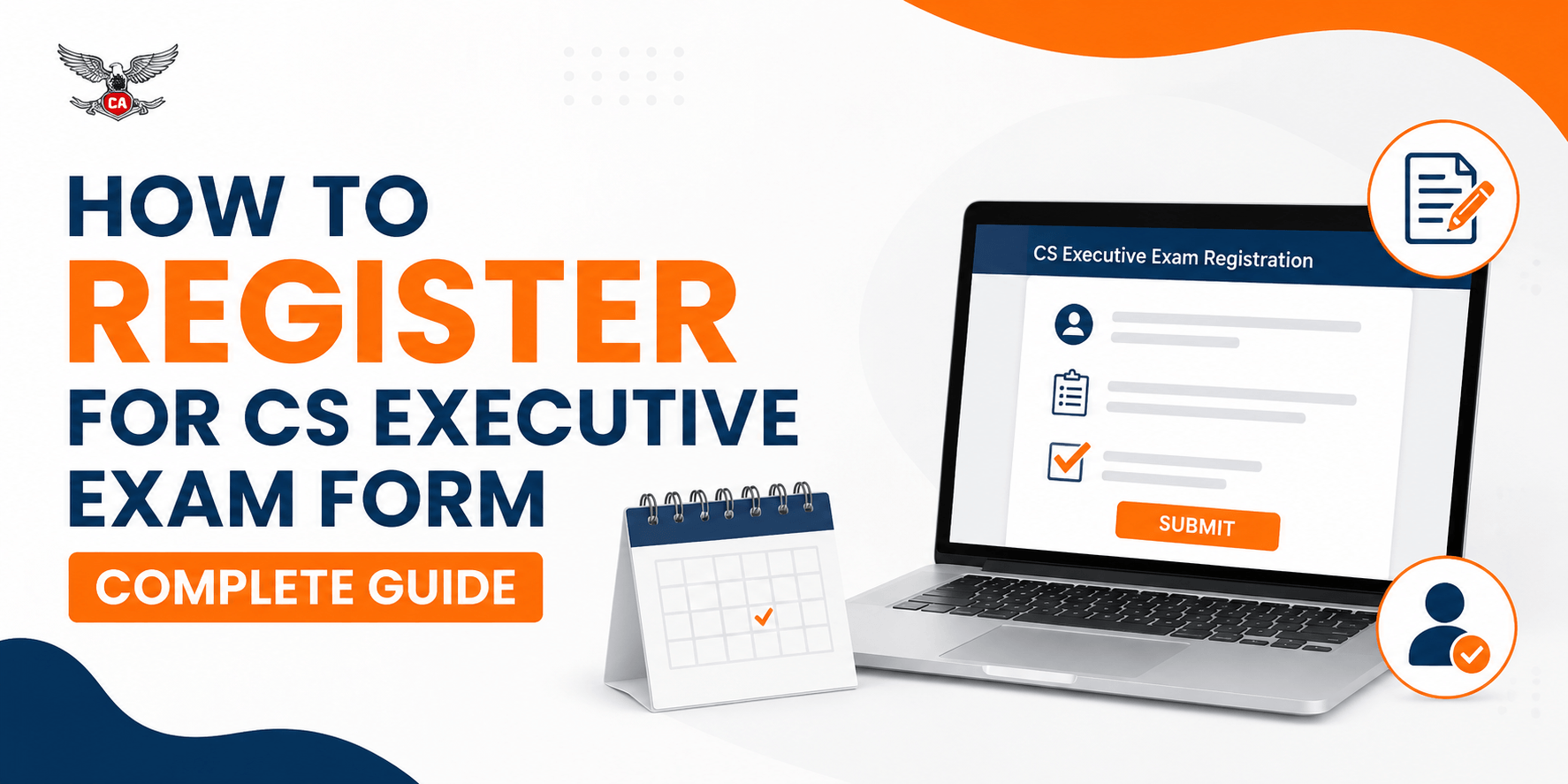
How to Register for CS Executive Exam Form Complete Guide
Students who want to appear for the CS Executive examination must submit the examination form within the deadline announced by the Institute of Company Secretaries of India (ICSI). The process includes selecting the examination session and module, choosing an examination centre, uploading documents and paying the applicable fee. In this guide, you will learn how to register for the CS Executive exam, check eligibility, avoid common mistakes, verify submission status and prepare effectively after completing the application.
What Is the CS Executive Examination Form?
The CS Executive examination form is an online application that confirms a student’s intention to appear in a particular ICSI examination session. It is different from CS Executive Programme registration. Programme registration allows a student to enrol in the course, while examination form registration is required separately for appearing in the examination. Even if your programme registration is active, you must submit the exam form for every examination session you wish to attend.
Who Needs to Submit the Form?: Students with valid CS Executive registration who want to appear for one or both modules must submit the examination form. This includes first-time candidates, students reappearing after failing one or more papers and candidates who could not attend a previous examination. Before applying, check that your registration is valid and that you have completed all applicable ICSI requirements.
Important Dates for CS Executive Exam Form Registration
ICSI generally announces a regular submission deadline, a late-fee period and, where applicable, a correction window. These dates may change for each examination session, so students should always verify the latest notification on the official ICSI website. Submitting the application early helps avoid portal congestion, payment problems and limited examination-centre availability.
Registration Stage | What It Means | Student Action |
| Regular submission | Application submitted without late fee | Apply before the standard deadline |
| Late submission | Application accepted with an additional fee | Confirm the final late-fee date |
| Correction window | Selected details can be modified | Check permitted changes and deadline |
| Admit card release | Hall ticket becomes available | Download and verify all details |
Eligibility to Register for CS Executive Exam
To register for the CS Executive exam, students must have a valid programme registration and satisfy the eligibility conditions applicable to the selected session and syllabus. Candidates should select the correct module according to their registration status. If you are unsure about your eligibility, verify your details through the official ICSI portal before beginning the application.
One Module or Both Modules?: Students may generally choose one module or both modules, subject to ICSI rules. Selecting both modules may be suitable when your syllabus is complete and you have enough time for revision. Selecting one module can help you concentrate on fewer subjects and improve your preparation quality. Consider your remaining study time, previous marks, revision progress and mock test performance before making a decision.
Documents Required for the CS Executive Exam Form
Keep all required information and documents ready before starting the application. You may need your ICSI registration number, active email address, mobile number, recent photograph, signature and identity details. Students claiming a concession or special facility may also need to upload the relevant certificate.
Document Preparation Checklist
Document or Information | What to Check |
| Registration number | Enter it exactly as shown in ICSI records |
| Photograph | Recent, clear and in the required format |
| Signature | Readable and properly cropped |
| Email and mobile number | Active and accessible |
| Supporting certificate | Upload only if applicable |
| Examination centre | Select a convenient available location |
Always follow the size, file-format and image specifications displayed on the official portal.
CS Executive Exam Form Fees
The examination fee depends on the number of modules selected and the rules applicable to that examination session. Additional charges may apply for late submission or permitted correction requests. Because ICSI can revise its fee structure, students should confirm the current amount before making payment.
Application Type | Fee Information | Important Note |
| One module | As prescribed by ICSI | Verify the latest amount |
| Both modules | As prescribed by ICSI | Usually higher than one module |
| Late submission | Regular fee plus late fee | Available only during the permitted period |
| Correction request | As prescribed by ICSI | Applies only to eligible changes |
Step-by-Step Process to Register for CS Executive Exam
Visit the Official ICSI Examination Portal: Open the official ICSI examination website and confirm that the website address is genuine. Avoid entering your login details on unofficial websites or links shared by unknown sources.
Log In With Your Student Credentials: Enter your registration number, password or other required credentials. If you forget your password, use the official recovery option rather than creating another account.
Select the Examination Session: Choose the correct CS Executive examination session from the available options. Check the session carefully because every examination cycle has separate dates and application details.
Select the Module: Choose one module or both modules according to your eligibility and preparation plan. Review the subject list before continuing.
Choose the Examination Centre: Select a centre that is convenient and practical for you to reach. Consider travel time, transport facilities and accommodation requirements before confirming your choice.
Verify Personal Details: Check your name, registration number, date of birth, email address, mobile number and other displayed information. Report any mismatch through the permitted process before final submission.
Upload Documents: Upload your photograph, signature and applicable certificates according to the portal instructions. Make sure every file is clear, correctly formatted and uploaded successfully.
Review the Application: Carefully review the final summary, including the selected module, examination centre, personal details, uploaded files and fee amount. This review can help prevent correction-related problems later.
Pay the Examination Fee: Complete the payment using one of the online methods provided by ICSI. Do not refresh the page, close the browser or press the payment button repeatedly while the transaction is processing.
Submit and Save the Receipt: After payment, wait for the successful submission message. Download the acknowledgement receipt, transaction details and submitted application form, then store them safely.
How to Pay the CS Executive Exam Form Fee
If the amount is deducted but the application is not confirmed, first check your application dashboard and payment status. Save the transaction ID and avoid making another payment immediately. If the status remains pending, contact ICSI support with your registration number, payment reference and relevant screenshots.
How to Check CS Executive Exam Form Submission Status
Log in to the ICSI examination portal and open the application dashboard. A successful submission should display a confirmation message, acknowledgement number or completed application status. Download the receipt and submitted form if available. Contact ICSI support if the payment is successful but the form remains pending, the receipt cannot be downloaded or incorrect information appears on the dashboard.
CS Executive Exam Form Correction Process
If ICSI opens a correction window, students may be able to change selected details after submission. Depending on the examination session, permitted corrections may include the examination centre, communication details or certain application information. Log in to the official portal, open the correction facility, make the permitted changes, pay any applicable fee and download the revised confirmation.
Details That May Not Be Changeable: Some details, such as the examination session, registration information or module selection, may not be changeable after final submission. Therefore, verify every field before paying the fee. The official correction notice should always be treated as the final authority.
Common Mistakes to Avoid
Avoid entering an incorrect registration number, selecting the wrong module, choosing an inconvenient centre or uploading unclear documents. Do not pay before checking the final application summary, and do not wait until the last day to apply. Students should also save the acknowledgement receipt and regularly check their registered email address and mobile number for ICSI notifications.
What to Do After Submitting the Exam Form
Download and store the confirmation page, payment receipt and submitted application form. Check the official portal regularly for admit card updates and verify the examination date, centre and personal information. Then create a revision and test plan based on your selected module, remaining preparation time and weak subjects.
Use Mock Tests to Improve Preparation: CA Test Series provides chapter-wise practice tests, full-syllabus mock examinations, expert answer evaluation and performance feedback. These resources help students practise ICSI-style questions, improve time management, develop better answer presentations and identify subjects or chapters that require additional revision.
CS Executive Exam Preparation After Form Submission
Create a Module-Wise Study Schedule: Divide every subject into learning, revision and testing targets. A weekly schedule helps you complete the syllabus systematically and prevents last-minute preparation.
Complete the ICSI Study Material: Use the official ICSI study material as the foundation of your preparation. Read each relevant chapter carefully and create short revision notes for important provisions, concepts and practical areas.
Practise Previous Examination Questions: Previous-year questions help you understand recurring topics, question patterns and expected answer structure. Practise writing complete answers instead of reading solutions passively.
Attempt Timed Mock Tests: Attempt mock tests within the actual examination time and avoid using books during the test. This practice improves speed, question selection and confidence under pressure.
Improve Answer-Writing and Presentation: Use clear headings, logical points, relevant provisions, explanations and conclusions. Proper spacing, professional language and well-organised answers can make your response easier for the examiner to evaluate.
Analyse Mock Test Performance: After each test, review incorrect answers, missed points, time-management issues and presentation weaknesses. Use performance reports and expert feedback to create a focused improvement plan.
CS Executive Exam Form Registration Checklist
- Registration number verified
- Correct examination session selected
- Module selected
- Examination centre confirmed
- Photograph uploaded
- Signature uploaded
- Applicable certificate uploaded
- Fee paid
- Application submitted
- Receipt downloaded
- Correction dates noted
- Admit card updates enabled
Conclusion
Registering for the CS Executive exam form requires careful attention to eligibility, dates, module selection, documents, payment and submission confirmation. Use only the official ICSI portal, review the application before payment and save the acknowledgement receipt. After registration, follow a structured study plan and practise regularly with CA Test Series chapter-wise tests, full-syllabus mocks, expert evaluation and performance feedback to prepare more effectively.