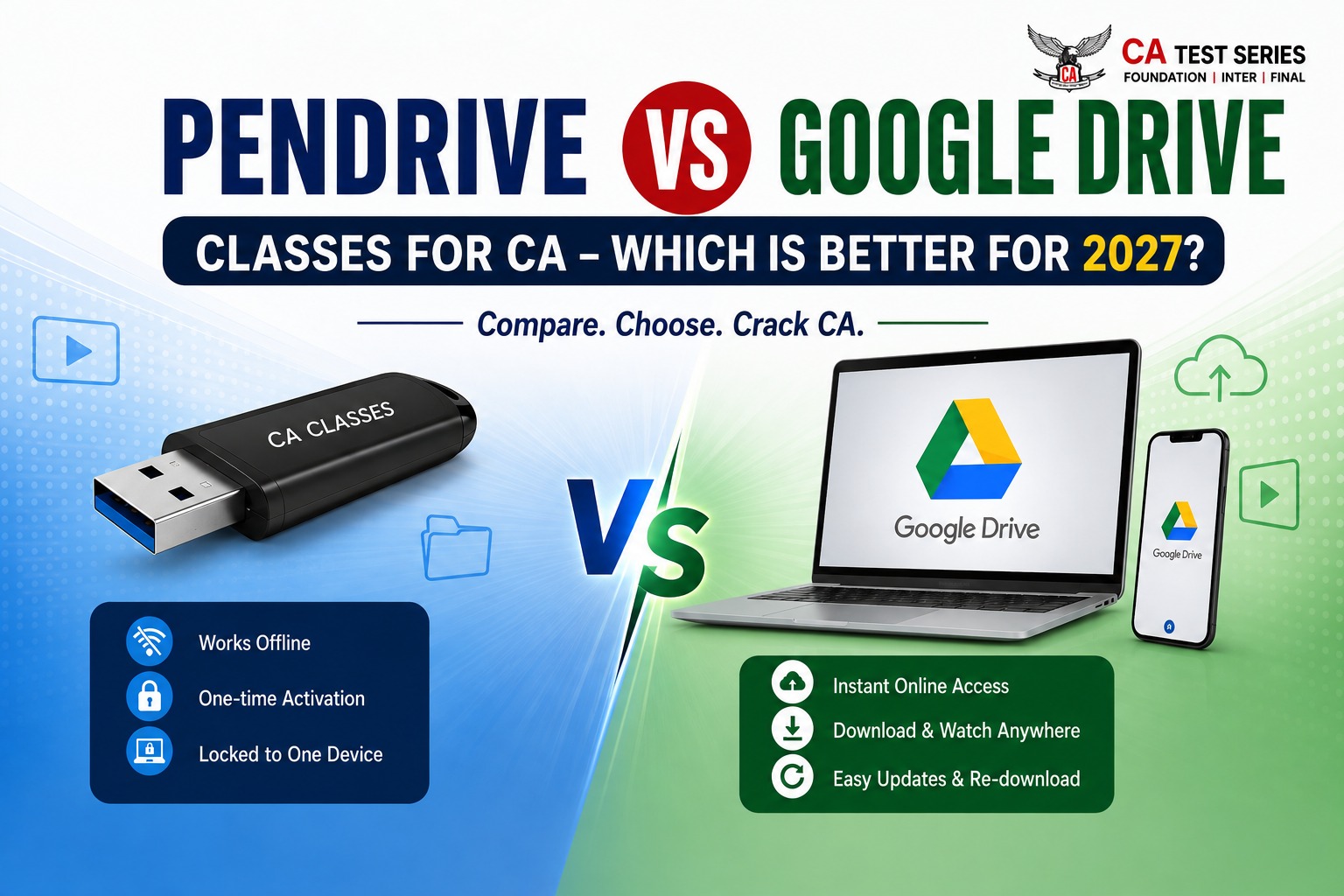
"A small decision today—Pendrive or Google Drive classes—can significantly impact your revision strategy and overall CA preparation."
Today, many CA lectures are available, but the main problem CA students face after watching them is that they feel blank. Then they start revising the lectures one by one. But students need to understand that only watching and attending lectures keeps their minds inactive during lectures.
Selecting an appropriate learning mode is probably one of the most crucial considerations for every CA aspirant. These days, most CA institutes offer two modes—Pendrive Classes and Google Drive Classes. Both options offer video-recorded lectures, but they differ in accessibility, cost, security, flexibility, etc.
Pendrive vs Google Drive Classes for CA: Which One to Choose?
Comparison of Pendrive vs Google Drive classes for CA is the first question that arises in one’s mind while purchasing recorded lectures for CA Foundation, CA Intermediate or CA Final – and it determines price, revision time and ease of access to updated lectures.
Simply put, Google Drive classes are better for the majority of CA students due to instant availability, ease of updates and lower cost. Pendrive classes are recommended to use in case of a poor internet connection or an offline copy that does not require re-downloading of lectures.
Several students find themselves confused regarding which option to choose for CA Foundation, CA Intermediate and CA Final studies. It all depends on your individual study pattern and other factors.
What are Pendrive classes for CA?
Pendrive classes include video lectures recorded on a Pendrive. The Pendrive is sent through courier service, and the lecture videos can be downloaded on a computer using special software. This option is best for candidates who do not wish to rely on the internet while studying.
How do Pendrive classes work?
Video lectures delivered through a USB flash drive
Work without internet after installation
Activation of the software only once
Locked to one computer only
Courier service sent once
What are Google Drive Classes for CA?
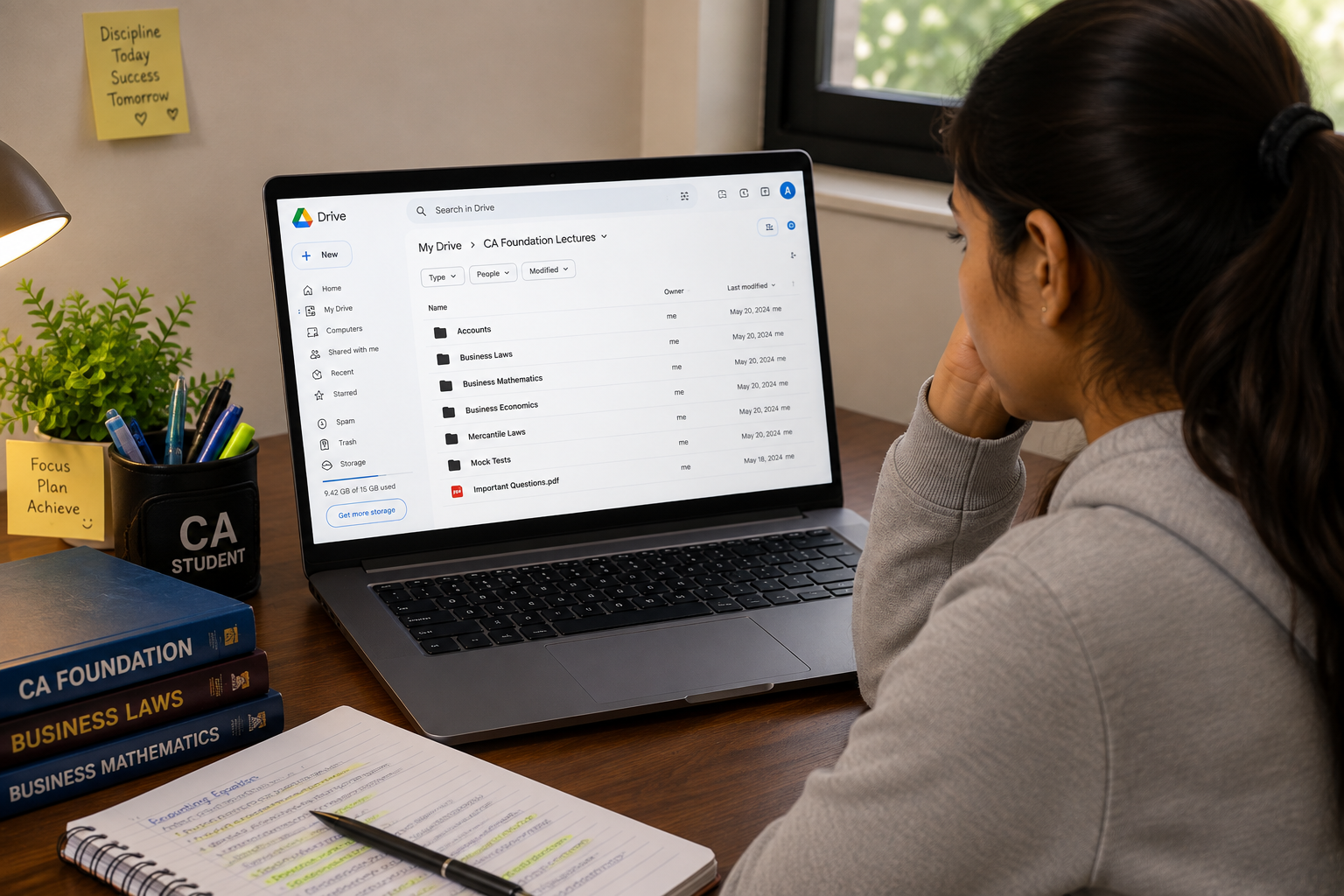
Google Drive classes are digitally recorded lectures offered online. Access is provided to students through a Google Drive URL or an application.
The video lectures can be either downloaded or streamed after activation. As there is no physical delivery involved, access is usually provided within a few hours after purchase.
Google Drive classes are gaining popularity because of their convenience and ease of use.
Online Instant Delivery
Courier service not needed
Lectures can be downloaded
Access via laptop or mobile
Faster Activation
Pendrive vs Google Drive Classes: Full Comparison
Although the two learning approaches contain the same information, there are many differences concerning convenience, delivery method, flexibility, and technology. Before choosing either of the two, students need to compare the different aspects.
In the table below, you can see some of the main differences between the two types of classes.
Feature | Pendrive Classes | Google Drive Classes |
Delivery | Physical Pendrive | Online access |
Internet Required | Only during activation | Required for download |
Delivery Time | 3–7 days | Instant to a few hours |
Storage | Pendrive | Laptop / Cloud |
Portability | Limited | High |
Updates | Difficult | Easier |
Physical Damage Risk | Yes | No |
Re-download | Usually not available | Available (depends on faculty) |
Students who require instant availability will find Google Drive classes superior. Those in areas with poor internet connection may prefer Pendrive classes.
Price Comparison: Pendrive Classes vs Google Drive Classes
For CA students, price becomes a criterion for selection between the two types. However, the content taught in both classes is the same, but there is a difference in the pricing.
Expense | Pendrive | Google Drive |
Lecture Cost | Slightly higher | Slightly lower |
Courier Charges | Yes | No |
Physical Device Cost | Included | Not required |
Instant Access | No | Yes |
The class taken using a Pendrive will become a little costly due to the cost of the Pendrive itself, its delivery through courier service, and packaging.
Which Option Suits CA Foundation Students Better?
CA Foundation candidates are mostly new to CA studies and require some flexibility along with easy lectures. Google Drive classes are better suited for most new students since they are easy to start and provide quick learning.
Foundation candidates will also like easy availability that lets them start preparation without any delays in the delivery of lectures.
Suitable For:
Fast availability after enrollment
Easy lecture management
Good for revision purposes
Ideal for first-timers at CA
What is Better for CA Intermediate Students?
There is a huge amount of subject matter in CA Intermediate compared to the Foundation level, which includes theoretical and practical aspects, making proper revision and up-to-date material very important for CA Intermediate candidates.
As Intermediate candidates deal with several subjects at once, the flexibility from one lecture to another and the ability to download material and receive updates from faculty members without any delays makes the Google Drive class a better choice at this level.
Suitable For:
Multiple Subjects to Study
Fast updating of lectures
Revision Planning
Which is Better for CA Final Students?
CA Final students need higher conceptual knowledge, multiple revisions, and constant practice. Because changes in the syllabus and updates by professors take place frequently, faster availability of material becomes important.
Suitable For:
Quick syllabus changes
Multiple revisions
Flexible schedule
Organized lectures
Pendrive vs Google Drive Classes: What the Top Rankers Recommend?
CA top rankers always think that success is based more on hard work rather than the mode through which lectures are delivered. But the choice of toppers is always such that it involves the least delay and effective revision.
Google Drive classes are recommended because students can start their studies from the beginning without any delay.
Start the lectures immediately
Revise regularly
Practice ICAI study material
Attempt mock tests
Avoid taking too many courses
Common Challenges Faced by Students in Pendrive Classes
Even though Pendrive classes are dependable, there are certain challenges that students may experience.
The following are common challenges faced by students.
Late delivery
Damaging the Pendrive or losing it
Lecture replacement fees
Device activation
Updating the lecture
Conclusion
Both Pendrive and Google Drive Classes contain the same academic material. Your success will depend entirely on how consistent you are with revision and practice. When it comes to convenience, updates, and learning experience, Google Drive Classes are superior for CA students.
Students must remember that having lecture recordings is not sufficient for clearing CA. You must supplement your lectures with constant revision, ICAI Study Material, Revision Test Paper (RTP), Mock Test Paper (MTP), Previous Year questions (PYQs), and mock tests.