ICAI Student Portal: What You Can Do and How to Navigate It
The ICAI Student Portal is an essential online platform designed to help Chartered Accountancy students manage their academic journey more efficiently. From registration and exam-related activities to accessing important updates and student services, the portal provides a convenient way to handle various ICAI requirements digitally. Many students often face confusion about how to log in, where to find specific services, or how to use different sections of the portal. This guide explains everything about the ICAI Student Portal, including its features, navigation process, common issues, and useful tips to make the most of this online platform.
What Is the ICAI Student Portal?
Purpose of the ICAI Student Portal: The ICAI Student Portal is an online system created by the Institute of Chartered Accountants of India (ICAI) to provide students with easy access to important academic and administrative services. It works as a centralized platform where students can manage their profiles, complete registrations, access exam-related services, check updates, and perform other activities related to their CA education journey without depending on offline processes.
Who Can Access the ICAI Student Portal?: The ICAI Student Portal is available for different categories of ICAI students and registered users. Students pursuing the CA Foundation, Intermediate, and Final courses can use the portal to manage their academic activities. Registered ICAI users can also access relevant services based on their eligibility and enrollment status through their official login credentials.
Why Is the ICAI Student Portal Important for Students?
Centralized Access to ICAI Services: One of the biggest advantages of the ICAI Student Portal is that it brings multiple ICAI services together in one place. Students can access registration details, exam services, notifications, payments, and other important features without visiting different platforms or offices, making the entire process more organized and convenient.
Saves Time and Simplifies Student Management: The digital system of the ICAI Student Portal reduces manual paperwork and allows students to complete important tasks online from anywhere. Whether updating personal details, submitting applications, or checking academic information, students can save valuable time and manage their CA journey more effectively.
Keeps Students Updated with ICAI Activities: The portal helps students stay informed about important ICAI announcements, examination schedules, registration deadlines, and other academic updates. Regularly checking the portal ensures that students do not miss important information related to their CA course requirements.
How to Log In to the ICAI Student Portal
Requirements Before Login: Before accessing the ICAI Student Portal, students need their valid registration number, password, and registered contact details. A stable internet connection and an updated browser are also recommended to ensure a smooth login experience without technical interruptions.
Step-by-Step ICAI Student Portal Login Process: To access the portal, students need to visit the official ICAI online platform, enter their login credentials, complete any required verification process, and access their personal dashboard. After successful login, students can explore different sections and use available services according to their requirements.
What to Do If You Forget Your ICAI Portal Password?: If a student forgets their ICAI Student Portal password, they can use the password recovery option available on the login page. By following the verification steps using registered details, students can reset their password and regain access to their account.
Features and Services Available on the ICAI Student Portal
Student Profile Management: The ICAI Student Portal allows students to manage and update their personal information, including contact details and registration-related information. Keeping the profile updated helps students receive important notifications and ensures that their academic records remain accurate.
Course Registration and Enrollment Services: Students can use the portal for various course-related activities, including registration for CA Foundation, Intermediate, and Final levels. The platform makes enrollment procedures easier by allowing students to complete necessary steps digitally.
Exam-Related Services: The portal provides access to several examination-related services, including exam form submission, exam notifications, admit card updates, and result-related information. Students can track important examination activities through their dashboard.
Study Material and Learning Resources: The ICAI Student Portal helps students access useful learning resources and study-related materials required during their CA preparation. These digital resources support students in organizing their studies and preparing effectively for examinations.
Articleship and Practical Training Management: Students can manage information related to articleship and practical training through available ICAI services. The portal helps maintain important records and provides updates related to practical training requirements.
Fee Payment and Transaction History: The portal also allows students to complete online fee payments and maintain records of their transactions. Students can check payment status and keep digital receipts for future reference.
How to Navigate the ICAI Student Portal Dashboard
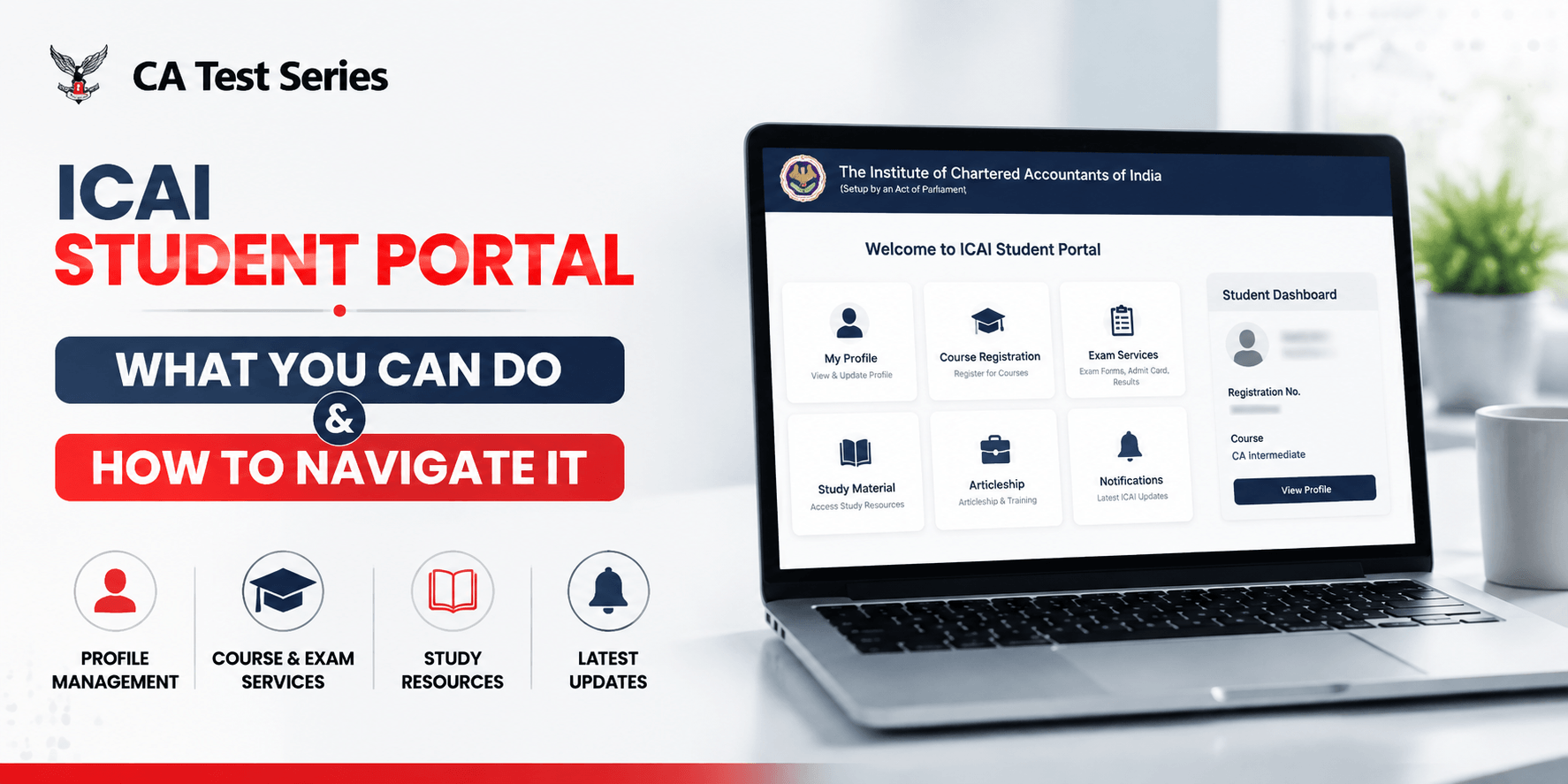
Understanding the Dashboard Layout: After logging into the ICAI Student Portal, students can access a dashboard containing different sections for profile information, notifications, applications, and available services. Understanding the dashboard layout helps students find required information quickly and complete tasks without confusion.
Finding Important Information Quickly: Students can improve their portal experience by regularly exploring available menus and checking important sections. Keeping track of notifications and application statuses helps students stay updated about deadlines and upcoming activities.
Managing Your Student Account Effectively: Effective account management includes keeping personal information updated, checking notifications regularly, and saving important documents. Proper management of the account ensures a smoother academic experience throughout the CA journey.
Common Problems Students Face on the ICAI Student Portal
Login Problems: Some students may face login issues because of incorrect credentials, forgotten passwords, or account access errors. In such cases, checking the registration details carefully and using the password recovery option usually helps resolve the issue.
OTP and Verification Issues: OTP delays or verification failures are also common problems when accessing the portal. These issues may occur due to network problems, incorrect contact details, or temporary system delays, so students should verify their registered information and try again after a short time.
Website Loading or Technical Errors: Sometimes the ICAI Student Portal may load slowly or show technical errors because of browser issues, poor internet connection, or temporary maintenance. Refreshing the page, clearing cache, or using a different browser can often improve the experience.
How to Get Help from ICAI Support: If students are unable to solve a portal-related issue on their own, they should contact the official ICAI support or helpdesk for assistance. Reaching out through the correct support channel helps students get reliable guidance and avoid unnecessary delays in completing their tasks.
Tips to Use the ICAI Student Portal More Effectively
Regularly Check Portal Notifications: Students should make it a habit to check the portal regularly so they do not miss important notices, deadlines, or updates. Staying informed helps reduce last-minute stress and makes academic planning easier.
Keep Your Contact Information Updated: Updated contact details are very important because ICAI may send notifications, OTPs, and service alerts through the registered mobile number or email address. Keeping this information current ensures smoother communication and account access.
Download and Store Important Documents: Students should save copies of important documents, receipts, forms, and confirmations downloaded from the portal. Having these records available offline can be useful during verification, exams, or future reference.
Complete Applications Before Deadlines: Timely completion of applications is one of the best habits for ICAI students. Submitting forms and payments before deadlines helps avoid last-minute errors, technical issues, and unnecessary penalties.
ICAI Student Portal vs Other ICAI Online Services
Difference Between ICAI Student Portal and SSP Portal: Many students confuse the ICAI Student Portal with other ICAI online systems, including the SSP Portal. While both platforms are used for student services, they may serve different functions, and understanding the difference helps students choose the right portal for the right task.
When Should Students Use Each Platform?: Students should use the appropriate ICAI online platform depending on the service they need, such as registration, exam processing, profile updates, or academic record management. Knowing where to complete each task helps save time and reduces confusion during important deadlines.
Conclusion
The ICAI Student Portal is a valuable digital tool that makes student management easier, faster, and more organized. It allows CA students to handle registrations, exam services, profile updates, fee payments, and other essential tasks from one platform. By understanding how to log in, navigate the dashboard, solve common problems, and use the available features effectively, students can save time and stay better prepared throughout their CA journey. A well-managed online system can make academic life much smoother, and after staying focused on your goals, it is always refreshing to take a peaceful break. At that point, a calm escape like Inika Resort in Coorg can offer the perfect setting to relax, recharge, and return with a clear mind.