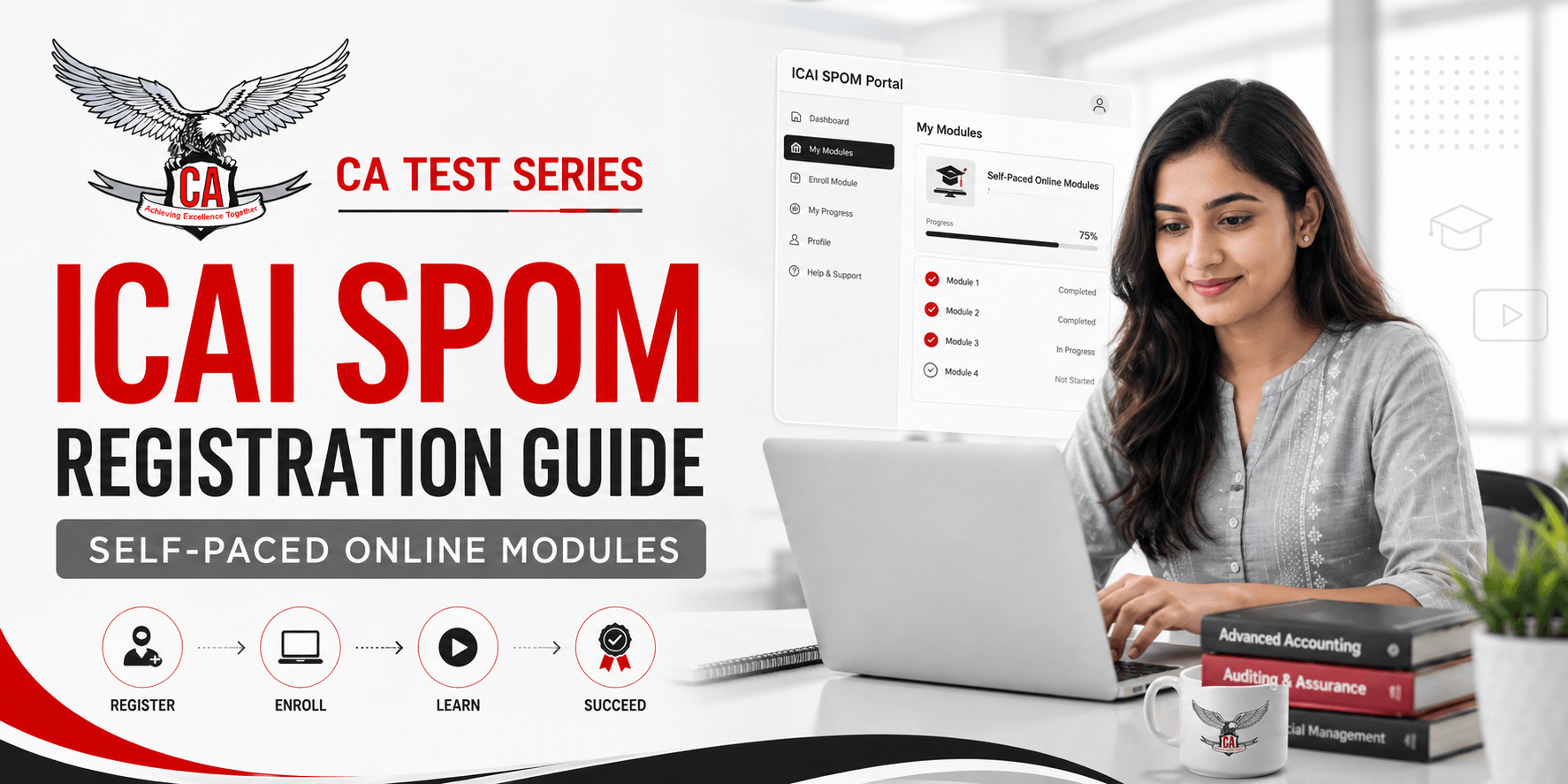
If you are registered for the CA Final Course under ICAI’s New Scheme, Self-Paced Online Modules (SPOM) form part of your learning journey. Understanding how to register for ICAI SPOM can be confusing because Final Course registration, learning-platform access, and SPMT registration are separate steps. This guide explains the process from registration to test eligibility.
ICAI SPOM Registration at a Glance
ICAI SPOM is delivered through the ICAI Digital Learning Campus for eligible Final Course students. SPOM is linked with Final Course registration, while first-time users must set up access on the learning platform before using SSP or OTP login. After completing the prescribed learning hours, students proceed separately to the SPMT portal.
Point | Details |
Official Platform | ICAI Digital Learning Campus |
Who Needs SPOM | CA Final students, subject to exemptions |
Registration | Linked with Final Course registration |
First-Time Access | Register as Student |
Separate SPOM Fee | No separate learning fee |
Login Options | SSP or OTP |
Sets | A, B, C and D |
Next Step | Complete learning and register for SPMT |
What Is ICAI SPOM?
ICAI SPOM, or Self-Paced Online Modules, was introduced under the New Scheme of Education and Training to provide flexible online learning in selected professional, elective, and multidisciplinary subjects. Students complete prescribed learning through the Digital Learning Campus, track progress, and then appear for the applicable Self-Paced Module Test.
ICAI SPOM Sets A, B, C and D
The SPOM framework contains four sets. Sets A and B are core modules, while Sets C and D cover elective and multidisciplinary areas. Check your individual eligibility because exemptions may affect which sets apply.
Set | Subject/Type | Learning Hours | Requirement |
Set A | Corporate and Economic Laws | 40 Hours | Mandatory, subject to exemption |
Set B | Strategic Cost & Performance Management | 40 Hours | Mandatory, subject to exemption |
Set C | Elective subject | 20 Hours | Select one applicable paper |
Set D | Multidisciplinary subject | 20 Hours | Select one applicable paper |
SPOM Learning Portal vs SPMT Test Portal
The Digital Learning Campus is used for lectures, learning hours, course progress, and completion status, while the SPMT portal is used after the required learning is completed to register for the test. This distinction helps avoid confusion.
Who Is Eligible to Register for ICAI SPOM?
SPOM access is primarily connected with CA Final registration. A student who is only at the CA Intermediate stage would not normally use SPOM yet. Students converted from an older scheme should verify whether exemptions affect their required modules.
What You Need Before Registering for ICAI SPOM
Before accessing SPOM, confirm that your SSP account works and your registered mobile number is active. Keep your Student Registration Number (SRN) ready and use a desktop or laptop with a working webcam and stable internet connection.
Requirement | Check Before Starting |
SSP Account | Confirm that your login works |
SRN | Keep the correct registration number ready |
Registered Mobile | Ensure you can receive OTPs |
Profile Photograph | Use a clear SSP profile photograph |
Webcam | Test camera and browser permission |
Internet | Use a stable internet connection |
How to Register for ICAI SPOM – Step-by-Step Process
SPOM is linked with Final Course registration, while first-time Digital Learning Campus access requires a portal setup. Follow these steps.
Step 1 – Visit the ICAI Digital Learning Campus: Open the official ICAI Digital Learning Campus used for Self-Paced Online Modules. Avoid unofficial login pages because they may provide outdated screens, links, or registration instructions.
Step 2 – Select “Register as Student: If you are using the platform for the first time, choose Register as Student. This is a one-time learning-portal setup and is not the same as registering again for the CA Final Course.
Step 3 – Enter Your ICAI Student Details: Provide the requested information exactly as it appears in your ICAI records. Keep your SRN, registered mobile number, and SSP-linked details ready to avoid verification problems.
Step 4 – Complete Verification: If you use OTP-based access, the OTP is sent to the mobile number linked with your ICAI SSP record. Complete the verification using your own ICAI-linked account.
Step 5 – Login Through SSP or OTP: After first-time registration, returning students can access the Digital Learning Campus using SSP credentials or OTP. Use the method that is most convenient and available to you.
Step 6 – Access Your SPOM Modules: After login, open the SPOM area and check whether your applicable Sets A, B, C, and/or D are visible. If a paper is missing, review your Final Course registration, subject selection, and exemption status.
Step 7 – Track Your SPOM Progress: Use the dashboard and learning history to confirm that completed content is recorded and identify missing hours early.
What to Do After ICAI SPOM Registration
Registration only gives access to the learning environment. Complete the prescribed learning, maintain the required webcam and connectivity conditions, and confirm that progress is recorded before SPMT registration.
Complete the Prescribed Learning Hours
Under the standard structure, Sets A and B require 40 learning hours each, while selected Set C and Set D papers generally require 20 hours each. Students with exemptions should follow the requirements that apply to their own ICAI registration category.
Register for the Self-Paced Module Test (SPMT)
Once the required learning hours for a module are completed and reflected in the system, eligible students can use the separate SPMT portal to register for the corresponding test with their SSP credentials.
Common ICAI SPOM Registration and Login Problems
Common issues include login failure, OTP problems, missing modules, webcam permissions, face detection, and unrecorded learning hours. Check these items before contacting support.
Problem | Possible Reason | What You Should Check |
OTP not received | Mobile or network issue | SSP-registered mobile number and network |
Login failed | Incorrect credentials | SSP credentials or OTP login option |
Course not visible | Course mapping or exemption | Final registration and exemption status |
Learning hours not updated | Incomplete or interrupted session | Learning history and topic progress |
Webcam not working | Browser or camera permission | Camera settings and browser access |
Face detection failed | Lighting or photo mismatch | Lighting and SSP profile photograph |
Is There Any Fee for ICAI SPOM Registration?
There is no separate learning registration fee for accessing applicable SPOM content through the Digital Learning Campus. Students should still distinguish SPOM learning access from other ICAI examination or registration-related charges and check the latest ICAI notification for their exam cycle.
How SPOM Completion Connects With CA Final
SPOM completion can affect CA Final examination or membership requirements depending on a student’s examination history, transition category, and applicable ICAI rules. Because exemptions and deadlines may differ, students should confirm the latest eligibility notification for their own exam attempt.
ICAI SPOM Registration – Quick Process Summary
The process is easiest to understand in three stages: access, learning, and testing. Confirm Final Course registration, set up the Digital Learning Campus, complete the required modules, verify completion, and then move to the SPMT portal.
Step | What to Do |
1 | Complete CA Final registration |
2 | Visit the ICAI Digital Learning Campus |
3 | Select Register as Student if you are a first-time user |
4 | Verify your ICAI-linked details |
5 | Login through SSP or OTP |
6 | Access the applicable SPOM sets |
7 | Complete the prescribed learning hours |
8 | Track your completion status |
9 | Register separately for SPMT |
10 | Qualify the applicable module tests |
Conclusion
Understanding how to register for ICAI SPOM becomes easier when you separate Final Course registration, learning-platform access, online study, and SPMT registration. Keep your SSP details accurate, complete only the modules applicable to your eligibility category, track progress regularly, and verify the latest ICAI requirements before your CA Final attempt.