Checking your Chartered Accountancy examination result is easier when you know the correct portal and have the required details ready. The Institute of Chartered Accountants of India (ICAI) provides online access to results for CA Foundation, CA Intermediate, and CA Final examinations. If you are searching for how to check CA Result on ICAI Portal, this guide explains the complete process, required information, result details, common problems, and useful next steps in a simple and practical way.
ICAI CA Result Portal Overview
The ICAI CA result portal is the official online platform used by Chartered Accountancy students to access examination results after ICAI declares them. Candidates can use the portal to check their marks and qualifying status for the relevant CA examination. Students should always prefer official ICAI websites instead of relying on third-party result portals, social media posts, or unofficial links that may contain outdated or inaccurate information.
Official ICAI Result Website
The official ICAI examination result portal is available at icai.nic.in. When a result is declared, candidates can visit the portal and choose the appropriate examination result link. Before entering your Roll Number, Registration Number, or any other examination details, check the website address carefully to ensure that you are using the genuine ICAI portal.
Which CA Exam Results Can You Check?
ICAI publishes results for the main Chartered Accountancy examination levels, including CA Foundation, CA Intermediate, and CA Final. The exact result links displayed on the portal depend on the examination session and the results recently announced by ICAI, so students should choose the course and attempt that match their examination.
CA Level | Who Should Use the Result Link | What to Check |
CA Foundation | Foundation candidates | Paper-wise marks and result status |
CA Intermediate | Intermediate candidates | Group/paper marks and qualifying status |
CA Final | Final candidates | Paper-wise performance and final result status |
What You Need Before Checking Your CA Result
Before opening the ICAI result portal, keep your examination details ready to avoid unnecessary delays. You may need your Roll Number, Registration Number, or other credentials requested on the result page, depending on the examination. It is best to verify these details from your admit card or official ICAI student records because even a small typing error may prevent the system from showing your result.
How to Check CA Result on ICAI Portal
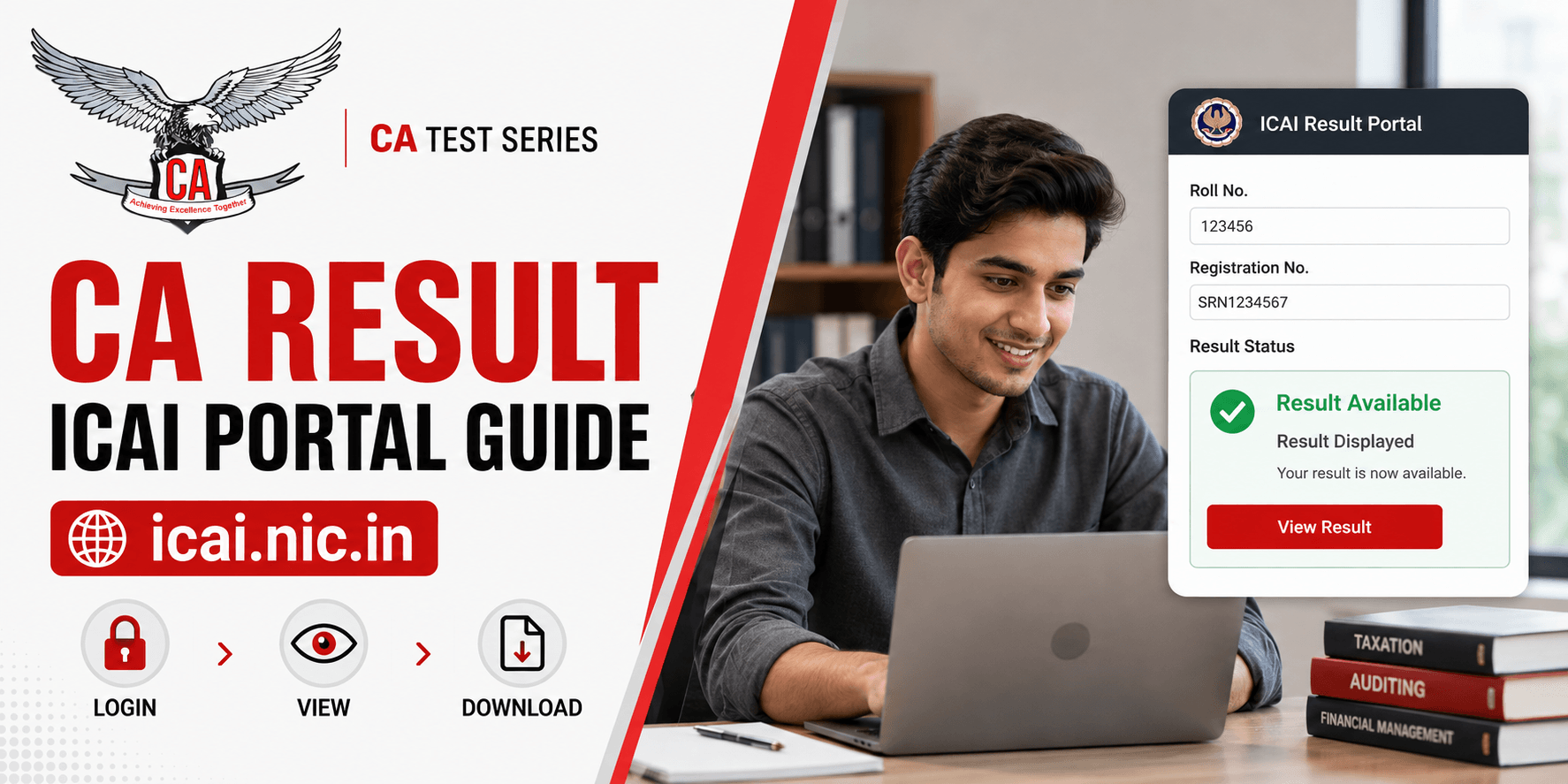
Students wondering how to check CA Result on ICAI Portal can complete the process in a few simple steps. Visit the official ICAI result website, select the correct examination, enter the requested candidate details, submit the form, and review the result displayed on the screen. Having your credentials ready before starting can make the process quicker, particularly on busy result days.
Step | Action | Important Tip |
1 | Visit icai.nic.in | Confirm that you are using the official ICAI website |
2 | Select your CA examination | Choose Foundation, Intermediate, or Final correctly |
3 | Enter required credentials | Double-check every number before submitting |
4 | Submit the details | Review marks and result status carefully |
5 | Save the result | Print, save as PDF, or keep a screenshot for reference |
Step 1 — Visit the Official ICAI Result Portal: Open a reliable web browser and go to icai.nic.in. Check the address carefully before entering any examination or personal information, especially if you reached the website through a search engine or shared link. Once the official ICAI result page opens, look for the result link corresponding to your examination and session.
Step 2 — Select Your CA Course: Choose the correct examination level from the result options available on the portal, such as CA Foundation, CA Intermediate, or CA Final. Candidates should also pay attention to the examination session or attempt shown beside the result link because opening the wrong result page may prevent them from retrieving the expected result.
Step 3 — Enter Your Roll Number and Registration Number: Enter your Roll Number, Registration Number, or any other credentials specifically requested on the ICAI result page. Check each digit carefully before proceeding and compare the information with your admit card or official student record if necessary. Incorrect or incomplete credentials can result in an error message or prevent the portal from locating your examination record.
Step 4 — Submit and View Your CA Result: After confirming that the entered details are correct, click the Submit button or the relevant result option shown on the page. The portal should then display your available examination information, which may include subject-wise marks, total marks, examination group, and qualifying status. Review the displayed information carefully before leaving the page.
Step 5 — Save or Print Your Result: Once the result appears, save a copy for easy future reference. Depending on your browser or device, you may print the result page, save it as a PDF, or take a clear screenshot. A saved online result can be useful for immediate reference, although candidates should use official ICAI-issued documentation when formal proof of marks or examination status is required.
How to Check CA Foundation Result Online
To check the CA Foundation result online, visit the official ICAI result portal and select the relevant Foundation result link for your examination session. Enter the requested credentials accurately and submit the details to view your marks and qualifying status. Using the official ICAI portal is the safest approach for a reliable ICAI Foundation result check.
How to Check CA Intermediate Result Online
Candidates checking their CA Intermediate result should open the official ICAI result portal and select the Intermediate examination corresponding to their attempt. After entering the requested candidate information, submit the form and carefully review the marks, examination group, and result status displayed on the screen.
How to Check CA Final Result Online
CA Final candidates can check their CA Final result online after ICAI publishes the relevant examination result. Select the correct CA Final result link, provide the required credentials, and submit the form to access the available marks and qualifying information. Always confirm that the examination session shown on the page matches your attempt.
What Details Are Shown on the ICAI CA Result?
The ICAI CA result page may display important examination information such as the candidate's identifying details, Roll Number, examination level or group, subject-wise marks, total marks, and qualifying status. Candidates should compare the information shown on the page with their own records and use ICAI's official communication channels if they notice any significant discrepancy.
Subject-Wise Marks
Subject-wise marks help students understand how they performed in each individual paper rather than looking only at the overall result. This breakdown can also be valuable for candidates preparing for another attempt because it can highlight weaker subjects and areas where additional conceptual revision, writing practice, or examination strategy may be required.
Total Marks and Result Status
The result page may also show total marks and the candidate's overall qualifying status for the relevant examination or group. Students should consider both their individual paper marks and overall performance when reviewing their result because qualifying requirements depend on the applicable ICAI examination rules for the relevant course and attempt.
How to Download CA Result or Marksheet
After viewing the result online, candidates can use their browser's print or save function to preserve the page for reference. However, a screenshot, browser-generated PDF, or printed online result should not automatically be treated as the same as an official ICAI marksheet. When documentation is required for formal academic or professional purposes, candidates should rely on official records made available or issued by ICAI.
Unable to Check CA Result? Common Problems and Solutions
Candidates may experience issues such as a slow website, an error message, incorrect credential notification, or difficulty opening the result page during periods of high traffic. Checking your internet connection, verifying your examination details, confirming the official website address, and trying the portal again after a short interval can resolve many common problems.
Problem | Possible Reason | What You Can Do |
Website not opening | Heavy result-day traffic | Wait briefly and try the official portal again |
Invalid details message | Incorrect credential entry | Recheck Roll Number and other required information |
Page loading slowly | High server demand or connection issue | Use a stable connection and avoid excessive refreshing |
Result details appear incorrect | Possible discrepancy | Verify through official ICAI communication channels |
ICAI Result Website Is Not Opening
If the ICAI result website does not open immediately after the result announcement, high traffic may be affecting access. Avoid continuously refreshing multiple tabs, check that the official URL has been entered correctly, and try again after a short interval using a stable internet connection or another browser if necessary.
Roll Number or Registration Number Showing Invalid
If your Roll Number, Registration Number, or another credential is shown as invalid, compare the information you entered with your admit card or ICAI student record. Check for missing digits, typing errors, extra spaces, or other input mistakes, and refer to ICAI's official examination support channels if the problem continues despite entering the correct information.
Result Page Is Loading Slowly
Result pages may load slowly when many candidates attempt to access the portal simultaneously. Use a reliable internet connection and avoid repeatedly refreshing the page or opening several tabs, as these actions may not improve access. If necessary, wait briefly and attempt to load the official result page again.
CA Result Passing Criteria
CA examination passing requirements depend on the applicable ICAI rules for the specific course, group, examination scheme, and attempt. Students should therefore verify the latest official ICAI regulations before drawing conclusions from their marks, rather than depending on old blog posts, previous examination schemes, or information shared on social media.
Individual Subject Requirement
Candidates should review the minimum requirement applicable to each individual paper under the rules governing their examination. Strong performance in other papers may not necessarily remove the importance of meeting an applicable subject-level requirement, so students should evaluate each paper separately and verify the current criteria through ICAI.
Aggregate Marks Requirement
Overall aggregate performance may also be relevant when determining whether a candidate has cleared an examination or group. Because requirements can differ according to examination level and scheme, candidates should check current ICAI regulations applicable to their own attempt instead of relying on generalised or outdated passing-criteria summaries.
What to Do After Checking Your CA Result
Your next step should depend on the result you receive. Successful candidates can prepare for the next stage of their CA journey, while those who did not clear the examination can analyse subject-wise performance and create a focused improvement plan. Candidates who believe their marks require further review should also check ICAI's current official options relating to examination verification or answer-book access.
If You Passed the CA Exam: If you have passed, verify your result details and begin planning the next applicable academic, training, or professional requirement in your CA pathway. Depending on your current level and eligibility, this may involve progressing to another examination stage, practical training, or another ICAI-prescribed requirement.
If You Did Not Clear the Exam: If you did not clear the examination, review your subject-wise marks and identify whether conceptual gaps, insufficient revision, poor time management, or answer presentation may have affected your performance. Structured revision, timed answer-writing practice, and ICAI-pattern mock tests can help make preparation for the next attempt more targeted and measurable.
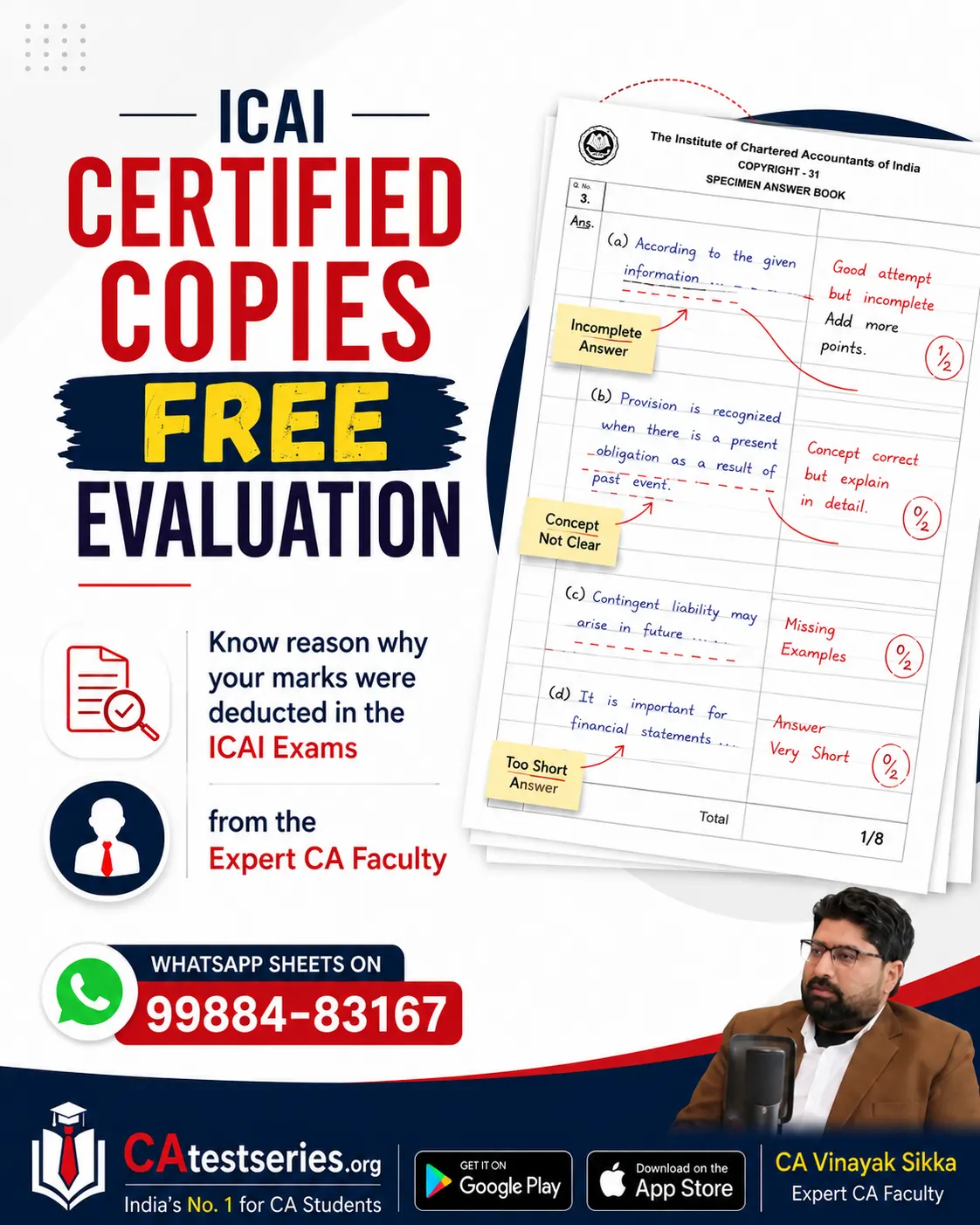
If Your Marks Are Lower Than Expected: Candidates whose marks are significantly lower than expected should check whether ICAI currently provides relevant services such as marks verification, inspection, or access to certified copies of evaluated answer books. Since procedures, deadlines, fees, and eligibility conditions can change, always follow the latest official ICAI notification for the examination concerned.
Improve Your Next CA Attempt with ICAI-Pattern Mock Tests
A result can also help students identify where their preparation strategy needs improvement. CA Test Series supports CA Foundation, CA Intermediate, and CA Final students through ICAI-pattern test papers, chapter-wise practice, full-syllabus mock exams, expert answer evaluation, study support, and performance feedback, helping candidates develop a more structured approach to their next examination attempt.
Practice According to the ICAI Exam Pattern
Practising under realistic examination conditions helps students become familiar with question structure, time pressure, answer planning, and paper completion. Timed mock tests can also encourage better time allocation and help candidates improve their ability to present answers effectively within the actual examination duration.
Identify Weak Areas Before the Exam
Detailed test analysis and expert evaluation can reveal weaknesses that ordinary self-study may overlook, including incomplete concepts, poor presentation, weak answer structure, time-management issues, and insufficient revision. Identifying these problems early gives candidates an opportunity to make focused improvements before the actual examination.
Important Points to Remember While Checking ICAI Results
Always use the official ICAI result portal, keep your required credentials ready, select the correct examination session, verify all marks and candidate details, and save a copy of the result for reference. Avoid relying on unofficial result claims or outdated examination information, and use ICAI's official notifications and communication channels whenever you need authoritative clarification.
ICAI Result Disclaimer and Official Confirmation
The online ICAI result is provided to make examination information conveniently accessible, but technical issues related to internet transmission, downloading, or printing may affect how information is displayed or reproduced. If you notice missing information, a mismatch, or another discrepancy, do not rely only on a screenshot or printed online copy; contact the appropriate ICAI examination authority or use official ICAI communication channels for confirmation.
Conclusion
Understanding how to check CA Result on ICAI Portal allows CA Foundation, CA Intermediate, and CA Final students to access their examination information through the correct official channel. Visit icai.nic.in, select the appropriate examination, enter the required credentials carefully, review your marks, and save the result for reference. Whatever the outcome, use your result to make an informed decision about your next CA preparation, training, or professional step.