CA Offline Lectures – Study Anytime Without Internet
“Learning should never stop because of the internet. With offline CA lectures, your preparation stays with you—anytime, anywhere.”
Preparation for the CA Foundation, CA Intermediate, and CA Final examinations conducted under the ICAI demands consistent preparation. However, most students lack reliable internet connectivity when travelling, residing in hostels, or in places with unreliable internet. And this is where CA offline lectures come into play.
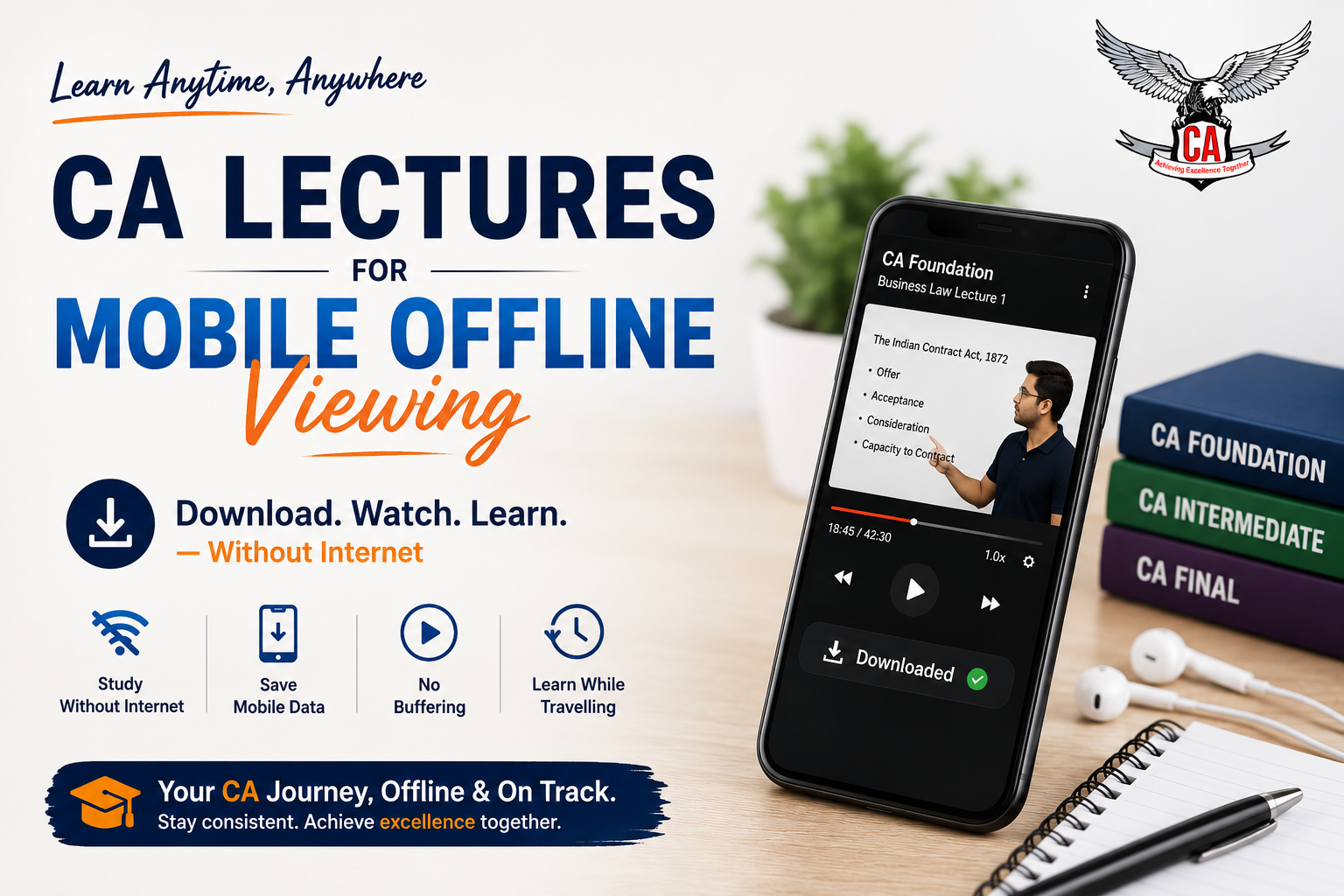
Mobile viewing without internet lets students download lectures and watch them without internet connectivity or any buffering problems.
CA Lectures for Offline Viewing: Learn Anytime, Anywhere
Nowadays, students want to learn in a way that suits their schedule. Unlike high-speed internet, offline classes provide learning at any time and from anywhere.
With the growing use of smartphones, many coaching websites provide access to their lectures via offline mobile apps. This makes the preparation for CA courses easier than before.
Advantages of Offline Learning:
Study without internet: After downloading the lecture, you can listen to it offline, even when there is no internet connection.
Save mobile data usage: You will only incur data costs once, during download, instead of each time you watch your classes.
No buffering: There is no live streaming which may buffer, so you will be able to concentrate on that difficult concept.
Learn while travelling: Commutes become productive when you can learn in your journeys, on trains or buses.
Watch videos several times: You can replay your difficult sections as many times as you want, and there will be no extra data costs incurred.
Study from anywhere: Hostels, villages, or areas with unreliable internet connectivity will no longer hinder your study.
Increase focus: There is no internet connection; the lecture is the only thing occupying your mind.
Convenient revision: Your lectures are right there on your phone whenever you get some free time.
What Are Offline CA Lectures?
With mobile offline CA lectures, you will get video lectures into your authorised learning application. The videos can then be played without requiring an internet connection for a validity period.
While ordinary downloaded video lectures can easily be shared with others, the videos in mobile offline lectures will remain within the application and your lectures safe from unauthorised sharing.
Features
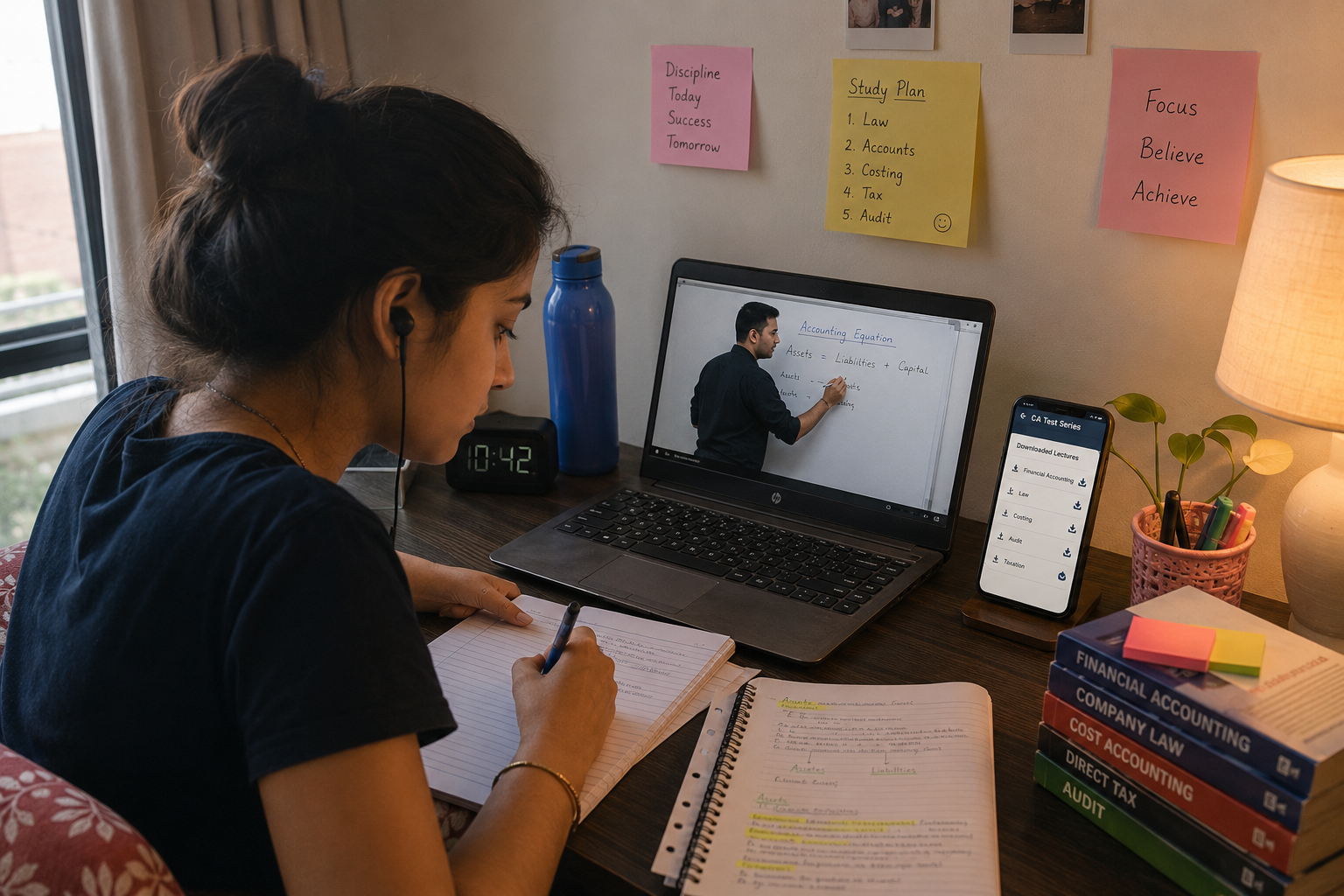
Download lectures to your smartphone directly.
Securely encrypted video lectures.
HD quality video lectures.
Subject-wise video lectures.
Resume lectures from where you left off.
Quick download facilities.
Auto-sync on availability of internet.
Why Offline Learning Works for CA Preparation
The phone has been used for learning purposes. Students are no longer obliged to lug a laptop around everywhere. The mobile phone helps them access lectures, notes, diagrams, and revision materials without any place restrictions.
Offline viewing is yet another advantage that helps students learn without Internet connectivity while studying.
Benefits of CA lectures delivered through mobile applications offline:
Mobility: All of your lectures are stored in your pocket so that you can study when you want, in between classes, or even at your job.
Study during travelling: Long distances to travel will actually serve you in your preparation rather than waste your time.
Time management is efficient: Short sessions of studying will suit you better than regular live classes that have a fixed schedule.
Revision material readily available: You won't have trouble finding your notes and previous lectures; just a tap away.
Study anywhere: Anywhere could be a suitable place for you to attend class, whether it be a hostel room, a waiting lounge, or even a train.
Laptop not necessary: You do not need to worry about carrying another device along with you to attend class.
Features that Should be There in Offline CA Lecture Apps
Before buying a CA course, students need to evaluate the features available in various coaching apps. Good features can help enhance the learning process and make it much more efficient.
When selecting a suitable app for offline learning, students should consider the security and convenience of the app along with ease of use.
Feature | Why It Matters |
Offline Download | Learn without internet |
HD Video Quality | Better understanding |
Playback Speed | Study at your own pace |
Progress Tracking | Continue from last lecture |
Multiple Device Support | Learn across devices |
Smart Notes | Quick revision |
Search Function | Find lectures instantly |
Selecting such features will enable you to prepare for the course for a long period without facing any technical issues.
Comparison between Offline Viewing and Online Streaming
Most students are unsure whether to choose online classes or offline lectures. Both have their strengths, but offline learning has proven more reliable for consistent, uninterrupted study.
Offline Viewing | Online Streaming |
No internet required | Internet required |
No buffering | May buffer on slow networks |
Saves mobile data | Consumes data regularly |
Perfect for travel | Limited by connectivity |
Consistent learning | Network interruptions possible |
Better for revision | Requires internet every time |
Those who travel regularly or have unpredictable internet connections should choose offline viewing as a more dependable method of studying.

Students who have reliable Wi-Fi can benefit from downloading lectures to make sure that the revision process goes smoothly.
Who Should Use CA Offline Lectures?
Offline lectures can suit almost all CA students, but they serve an even greater purpose for those students who demand flexibility and continuous accessibility.
CA Foundation students studying with the dual burden of academics and initial CA preparation.
CA Inter students struggling with articleship training and a heavier syllabus.
CA Final students requiring revision sessions that span long time periods while also coping with busy schedules.
Working professionals trying to keep pace with their job and CA studies.
Students residing in hostels, where internet facility may be a problem.
Travelling students who have the flexibility to learn while commuting.
Students from rural areas where there is no internet connectivity.
Why Offline Lectures Facilitate Revision
Revisions are a crucial part of CA preparation. Since revisions through offline lectures do not require an internet connection, students can easily revise any topic that troubles them.
Revising lectures through selective video segments will enhance understanding of the concept before appearing for the exam.
Advantages for revision:
Instant recall of concepts without searching for the right connection first
Revising difficult chapters an unlimited number of times without incurring additional data charges
Revision on your own time rather than having to adapt to the class time
Consolidation of concepts through constant reviewing
Effective revision just days before the exam
Exam preparation through consistent, familiar practice
Turning any spare time in your schedule into productive revision
Study Tips Using Offline Lectures
Simply downloading lectures will not suffice for efficient learning. Students need to complement their lectures with proper methods of studying to get the best results from them.
Following a study pattern will help students ensure that the lectures are put to good use through studying.
Download lectures through Wi-Fi and save mobile data.
Charge your phone before attending the class, particularly when travelling.
Wear headphones to concentrate more and to hear clearly.
Make handwritten notes during the lecture, instead of depending only on the video.
Go through the topics immediately after listening to them while they are still fresh.
Work on the ICAI questions while you are going through the lectures, and not after completing all the lectures.
If you did not understand a particular lecture, watch it again.
Create a fixed timetable to avoid being flexible.
Common Problems and Ways to Resolve Them
Students may face storage problems or downloads while utilising offline classes. However, most of these problems can be resolved easily.
Challenge | Solution |
Low storage | Delete completed lectures |
Battery drain | Carry a power bank |
Old syllabus | Update the app regularly |
Forgotten downloads | Download weekly schedule |
Limited phone memory | Use a supported SD card (if available) |
Missed lectures | Maintain a study planner |
It is important to keep your learning app updated and organise downloaded content on a regular basis to have a good learning experience.
Example: CA Offline Lecture Study
Let us take the case of a student like Riya who is studying for CA Intermediate and travelling to college every day. Her internet connection being unstable while travelling meant that following online lectures or watching recordings was impossible due to constant buffering.
Now, after opting for CA offline lectures, she downloads lectures at home using Wi-Fi and then views them while travelling without consuming any data and without getting distracted by buffering. She uses these offline lectures to revise the tough concepts before the exams.
The result: her daily travel time, which was unproductive, now became a part of her studying routine.
Conclusion
Preparation for CA requires consistency, flexibility, and effective revision. CA lecture videos for offline use on mobile enable all three because you can learn even without internet. No matter where you travel, go to college, work, or live, you can study without any hassle.
When deciding which course to choose, consider not only its cost but also other factors like faculty quality, app functionality, current ICAI syllabus coverage, efficient notes, and good customer support.
Ready to study without limits? Download the CA Test Series app and get offline access to CA Foundation, Intermediate, and Final lectures today. For more exam-prep guidance, check out our CA revision strategies and mock test guide.